PSA Payment Options
PSA Payment Options: Every Way You Can Pay for PSA Documents in 2026
If you are requesting a PSA birth certificate, marriage certificate, death certificate, CENOMAR, or another civil registry document online, knowing the available PSA payment options can make the process much easier.
PSA-authorized online services provide several ways to pay for document requests. Depending on the service and your location, you may be able to pay using a credit card, mobile wallet, QR payment, over-the-counter payment centers, ATM services, or other supported payment channels.
What Are the PSA Payment Options?
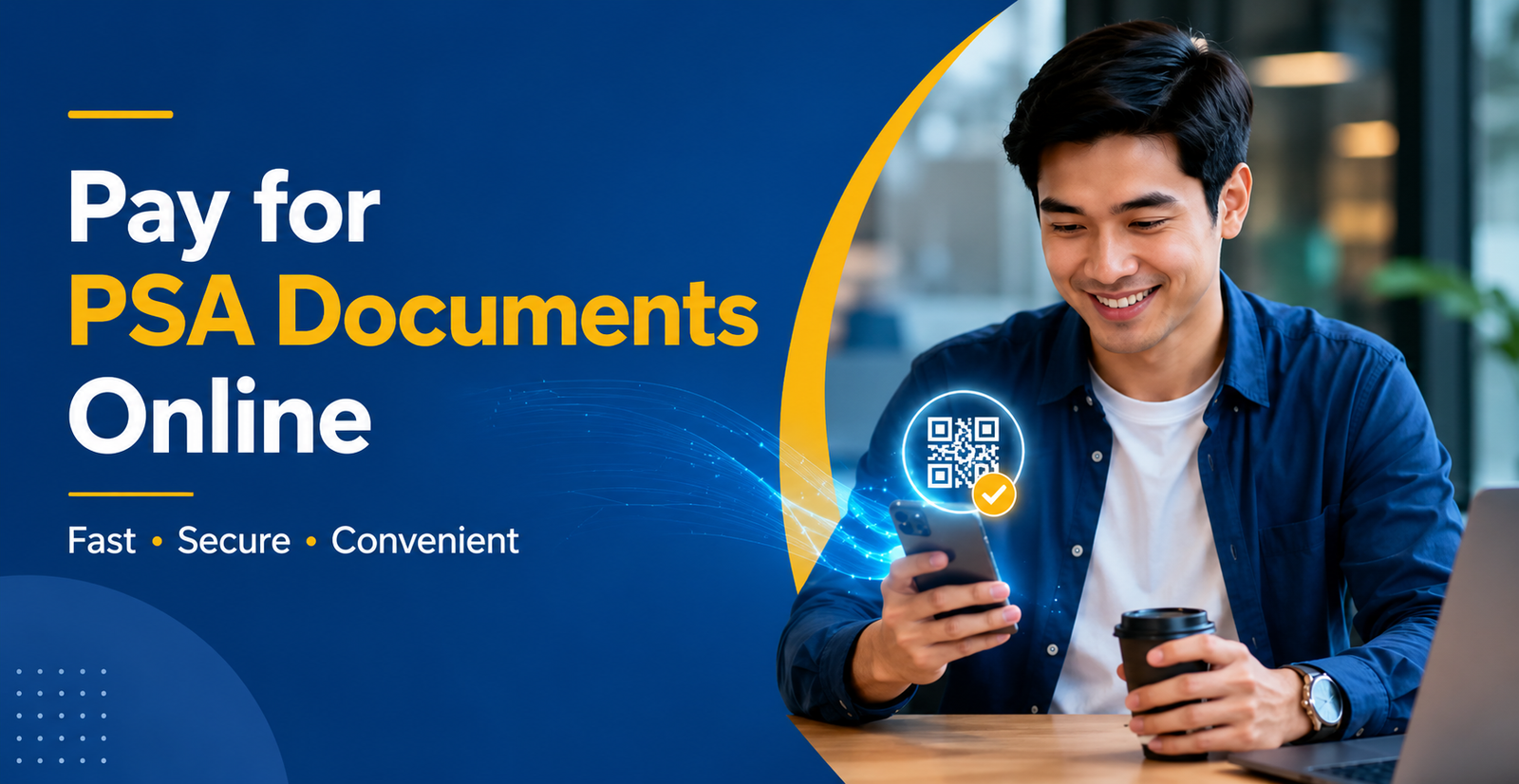
The payment method you use depends on how you request your document and which payment channels are available for your order. Online applicants generally have several choices, while applicants who prefer cash or over-the-counter transactions can use supported payment centers.
The main payment methods commonly available through PSAHelpline include:
- Visa and Mastercard credit cards
- GCash
- Maya
- QRPh
- 7-Eleven CLIQQ
- Palawan Pawnshop
- BancNet ATM
- DragonPay and its supported payment partners
PSAHelpline identifies itself as an authorized PSA online channel and currently provides multiple online and over-the-counter payment options for civil registry document orders.
PSA Online Payment Options
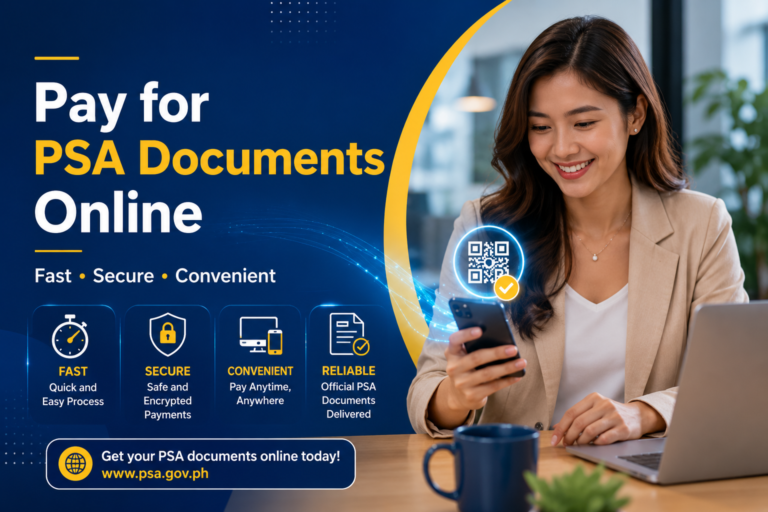
Online payment is usually the most convenient choice when you are requesting a PSA document for delivery. Instead of visiting a payment center, you can complete the payment from your phone or computer after placing your order.
Visa or Mastercard
Applicants can use supported Visa or Mastercard credit cards to pay for eligible PSA document orders online. Payment confirmation can be posted electronically after a successful transaction.
GCash
GCash is a convenient option for applicants who prefer paying through a mobile wallet. Select GCash when it is available as a payment option for your order and follow the instructions provided during checkout.
Maya
Maya can also be used for supported PSA online orders. Make sure your wallet has enough funds before starting the transaction.
QRPh
QRPh provides another digital payment option. If QRPh is displayed for your order, follow the payment instructions and scan the generated QR code using a supported banking or wallet application.
How to Pay for a PSA Document Online
The exact checkout screens can vary, but the general process is straightforward. Keep your order details available and make sure that the information you enter matches your application.
- Choose the PSA document you need. Select the appropriate document, such as a birth, marriage, death certificate, CENOMAR, or CENODEATH.
- Complete the application form. Enter the required personal and document information carefully.
- Provide your delivery information. If you are requesting delivery, enter the correct address and contact details.
- Review your order. Check the spelling of names, document type, quantity, address, and other important information before continuing.
- Select a payment method. Choose one of the payment channels displayed for your order.
- Complete the payment. Follow the instructions for your selected card, wallet, QR, bank, or over-the-counter channel.
- Keep your payment confirmation. Save your reference number, receipt, confirmation message, or other payment details until your document has been received.
Can I Pay for PSA Documents Without a Credit Card?
Yes. A credit card is not the only payment method available through PSAHelpline. Depending on the order, applicants may use mobile wallets, QR payments, over-the-counter channels, ATM services, or other supported payment partners.
This is especially useful if you do not have a Visa or Mastercard credit card. Before selecting a payment method, check the available channels shown on the payment page for your particular order.
PSA Over-the-Counter Payment Options
Not everyone wants to make an online payment. PSA-authorized online ordering services also provide supported over-the-counter payment channels.
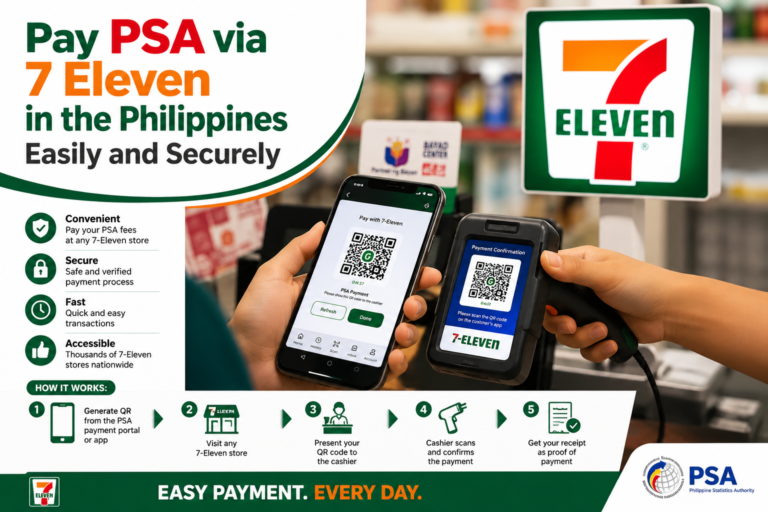
7-Eleven
Applicants can pay eligible orders at participating 7-Eleven stores using the CLIQQ payment facility. Keep your order reference number with you when making the payment.
Palawan Pawnshop
Palawan Pawnshop is another over-the-counter payment channel listed for supported PSAHelpline orders. Follow the payment instructions associated with your order.
BancNet ATM
Eligible orders may also be paid through a BancNet-affiliated ATM. Your order reference number may be required during the payment process.
DragonPay
DragonPay provides additional payment channels, including selected bank, e-wallet, over-the-counter, and other supported payment partners.
PSA Payment Options at a Glance
| Payment Method | Payment Type | Best For |
|---|---|---|
| Visa / Mastercard | Online | Applicants with a supported credit card |
| GCash | Online / Mobile Wallet | Mobile wallet users |
| Maya | Online / Mobile Wallet | Applicants using Maya |
| QRPh | QR Payment | Applicants who prefer QR payments |
| 7-Eleven CLIQQ | Over the Counter | Applicants who prefer store payment |
| Palawan Pawnshop | Over the Counter | Applicants who want a physical payment location |
| BancNet ATM | ATM | Applicants using a BancNet-affiliated ATM |
| DragonPay | Multiple Channels | Applicants who need additional payment choices |
How Much Does a PSA Certificate Cost?
The total amount you pay can depend on the type of certificate and the ordering channel. Online ordering may also include service, payment facilitation, convenience, or delivery-related charges.
For PSAHelpline, the currently listed total fees are shown below. Always verify the final amount on the payment page before completing your transaction.
| Document | Currently Listed Total |
|---|---|
| Birth Certificate | PHP 365 |
| Marriage Certificate | PHP 365 |
| Death Certificate | PHP 365 |
| CENOMAR | PHP 420 |
| CENODEATH | PHP 420 |
The final amount can vary depending on the service and applicable charges, so applicants should review the final billing information before paying.
PSA Payment for Birth Certificate
If you need a PSA birth certificate, you can first review the requirements and application information before placing your request.
For a detailed guide, see our PSA Birth Certificate guide .
Once your request is completed, choose an available payment method and carefully review your order details before making payment.
PSA Payment for Marriage Certificate
Applicants requesting a PSA marriage certificate should make sure they select the correct document and provide accurate information during the application.
You can also learn more about the process through our PSA Marriage Certificate guide .
PSA Payment for Death Certificate
A PSA death certificate can also be requested through an authorized PSA service. Before submitting the order, check the required information and make sure the details are correct.
For more information, visit our PSA Death Certificate guide .
Check PSA Requirements Before Paying
One common mistake is paying for a document before checking whether the request has been prepared correctly. Requirements can vary depending on the document and the purpose of the request.
Before starting your application, review our PSA requirements guide to understand what information and documents may be needed.
How to Check PSA Fees Before Payment
It is always a good idea to check the latest applicable fees before completing payment. Your final amount may include more than the basic document cost, especially when requesting delivery or using an online service.
For a separate breakdown, visit our PSA Fees guide .
Can I Use PSA E-Certificate Instead?
In some situations, applicants may be able to request a PSA e-certificate instead of waiting for a physical copy. The e-certificate service provides a digitally signed document that can be accessed electronically.
Before relying on an e-certificate for an application, confirm that the receiving agency or organization accepts the digital format.
Learn more in our PSA E-Certificate guide .
PSA Authorization Letter and Payment
If someone else will be handling a PSA document request or receiving a document on your behalf, additional authorization requirements may apply depending on the situation.
Read our PSA Authorization Letter guide to understand when an authorization letter may be useful and what information should be included.
Where Can I Log In to Manage My PSA Request?
If you already have an account or need to access a PSA-related online service, make sure you are using the correct official or authorized website.
Our PSA Login guide explains the basic login process and provides information to help you find the correct online service.
What Happens After You Pay for a PSA Order?
After successful payment, your order can proceed for processing according to the service you selected. Keep your order reference number and payment confirmation until your request has been completed.
If your payment appears successful but your order does not update immediately, avoid making another payment before checking the transaction status. Duplicate payments can create unnecessary confusion.
Common PSA Payment Problems
1. Payment Failed
A payment may fail because of insufficient funds, incorrect payment information, bank restrictions, wallet limitations, or temporary technical problems. Check the payment details and try another supported payment method if necessary.
2. Payment Was Deducted but Order Is Not Updated
Do not immediately submit another payment. First check your transaction details, reference number, and payment confirmation. If the payment remains unresolved, contact the payment or ordering service using its official support channel.
3. You Do Not Have a Credit Card
You may still have other options. Depending on your order, look for GCash, Maya, QRPh, over-the-counter payment, ATM, or DragonPay options.
4. You Cannot Find Your Payment Reference
Search your email, SMS messages, or order confirmation for the reference number. Keep this information safe because it may be required when checking or completing payment.
Tips for a Smooth PSA Payment Experience
- Check the document type before paying.
- Review the applicant’s information carefully.
- Check the final amount before confirming payment.
- Use only authorized payment channels.
- Never share your card PIN, wallet PIN, or password with another person.
- Save your order reference number.
- Keep your payment confirmation until the order is completed.
- Do not make a second payment until you understand what happened to the first transaction.
Frequently Asked Questions About PSA Payment Options
Yes. Supported PSA online ordering services provide several online payment methods, including cards and selected digital payment channels.
Yes. GCash is currently listed as a payment option for supported PSAHelpline orders.
Yes. Maya is also listed as an available payment channel for supported PSAHelpline orders.
Yes. PSAHelpline currently lists 7-Eleven CLIQQ as an over-the-counter payment option for eligible orders.
Yes. BancNet ATM payment is listed among the available payment methods for PSAHelpline orders.
No. A credit card is not the only payment option. Other supported channels may include GCash, Maya, QRPh, over-the-counter payment centers, BancNet, and DragonPay.
PSAHelpline currently lists a total fee of PHP 365 for a birth certificate. The final amount should always be checked during the actual order because applicable service and delivery charges can affect the total.
Keep your order reference number and payment confirmation. Use the ordering service’s tracking or support options if you need to check the status of your request.
Conclusion
Choosing the right PSA payment option can make your document request easier and more convenient. You do not necessarily need a credit card, because supported payment channels can include GCash, Maya, QRPh, 7-Eleven, Palawan Pawnshop, BancNet ATM, and DragonPay.
Before paying, review your document details, check the final amount, choose a supported payment method, and save your payment confirmation and reference number. Most importantly, use only official or authorized PSA channels when submitting personal information or making payments.
Official PSA Resources
For the latest information about PSA civil registry documents, fees, and authorized online services, always check the official sources below:
- Philippine Statistics Authority (PSA) – Official Website
- PSA Civil Registration Services
- PSAHelpline – Authorized Online PSA Services
- PSAHelpline – Payment Options
Tip: Always verify the latest fees, payment methods, requirements, and service availability on the official PSA or authorized PSA service website before making a payment.